South Korea
Café / bakeryI keep menu photos on the side screen while taking orders on my computer. Selecting a folder makes morning setup simple.


Simple. Easy. Fast.
Photos & videos. A slideshow, no installation.
Play entire folders of photos and videos stored on your computer as a slideshow. No software installation needed.
After your 7-day free trial · US$5 / month
Reviews
South Korea
Café / bakeryI keep menu photos on the side screen while taking orders on my computer. Selecting a folder makes morning setup simple.
United States
Retail storeWe alternate new-product photos and short videos in the shop. I like that there is no need to upload our files.
Japan
Beauty / hair salonI show hairstyle photos to customers while continuing to manage appointments on my computer.
United Kingdom
Restaurant / barWe show menus at lunch and food photos in the evening. Separate playlists for each screen are useful.
Canada
Clinic / pharmacyWe loop information slides in the waiting room while using the reception computer as usual.
Australia
Fitness / gymI play exercise videos on a separate monitor. It is helpful to adjust sound and looping for each screen.
France
Gallery / exhibitionWe show artwork photos in different orders across monitors. Preparing an exhibition without installation is convenient.
Germany
Office / businessWe display company event photos in the meeting room while continuing work on the laptop. Simple and easy to use.
New Zealand
Personal / homeI shuffle family travel photos on the TV. It is nice to use the folders already on my computer.
01 / ollishow
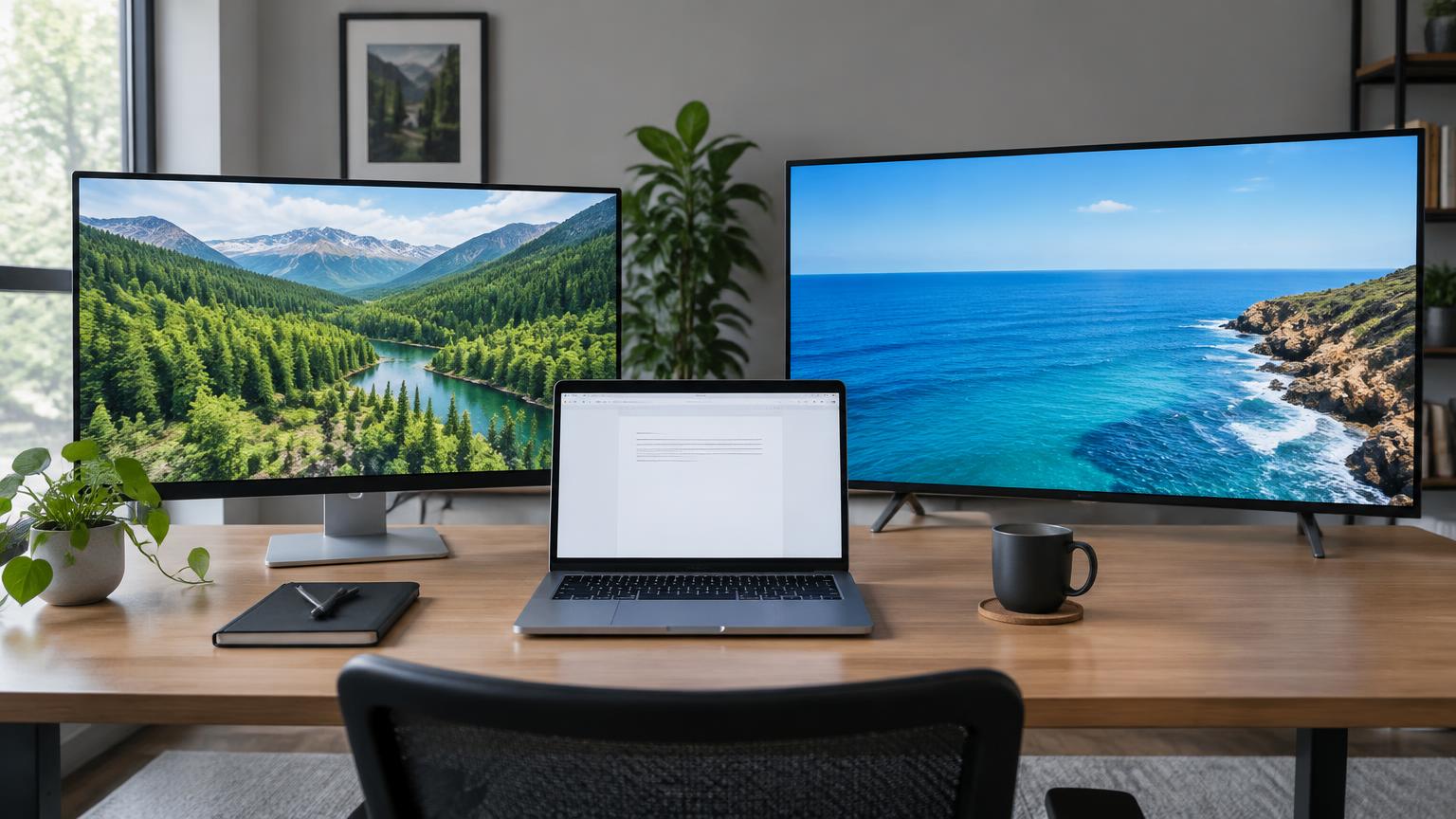
Memories on a TV, products on a shop display, landscapes on a second monitor. Open a separate player and keep using your computer as usual.
Sign in from your browser and get started.
Play photos and videos straight from your computer.
Separate folders, playlists and settings for each display.
02 / See how it works
Start instantly with Google or sign up with email. Your 7-day free trial begins right away, once per computer (device).
Use “Add folder” for an entire folder or “Choose files” for individual items. Select what to play and rearrange the order.
Set shuffle, repeat, photo duration, video mute and transitions. Each display can have its own settings.
Select “Open player”, move it to a connected monitor or TV, then enter fullscreen. Keep the original controller tab open.
03 / Different on every display
Use “Add display” to create separate playlists. Shuffle photos on one and play videos in order on another. Each runs independently.
Photo folder · Shuffle · Repeat
Video folder · In order · Repeat
04 / No media uploads
Photos and videos are not stored on our servers. Selected files play in your browser; account and payment information is handled separately.
Saved display playlists, order and settings return when you sign in again. Media is never uploaded: after refreshing, closing the tab, switching PC/browser or clearing site data/cookies, reselect the original files or folders. Original files and subscriptions stay intact. Retry if saving fails.
Privacy Notice05 / FAQ
Connect your monitor or TV to the computer as an extended display, then move the player window from your computer onto that screen.
We recommend current Chrome or Edge. Automatic monitor detection depends on browser support and permission; you can also move the window manually. Allow pop-ups if the player does not open.
Check the video mute setting. If the browser blocks autoplay with sound, select “Enable video sound” in the player. Supported media formats vary by browser.
Saved display playlists, order and settings return when you sign in again. Media is never uploaded: after refreshing, closing the tab, switching PC/browser or clearing site data/cookies, reselect the original files or folders. Original files and subscriptions stay intact. Retry if saving fails.
06 / Pricing
No card required · Trial starts at signup 7 days from signup · Once per device
After your 7-day free trial
All slideshow features
Paid subscriptions renew monthly. After cancellation, access continues through the paid period. Review the final tax-inclusive total before paying.
Pricing and conditions
ollishow brings together the Korean word ollida, meaning “to put up,” and the English word “show.” It also draws on the warm, familiar sound of Korean dialect expressions such as “ollisyo” and “ollisyu.” Bring up your photos and videos, and let your own show begin.